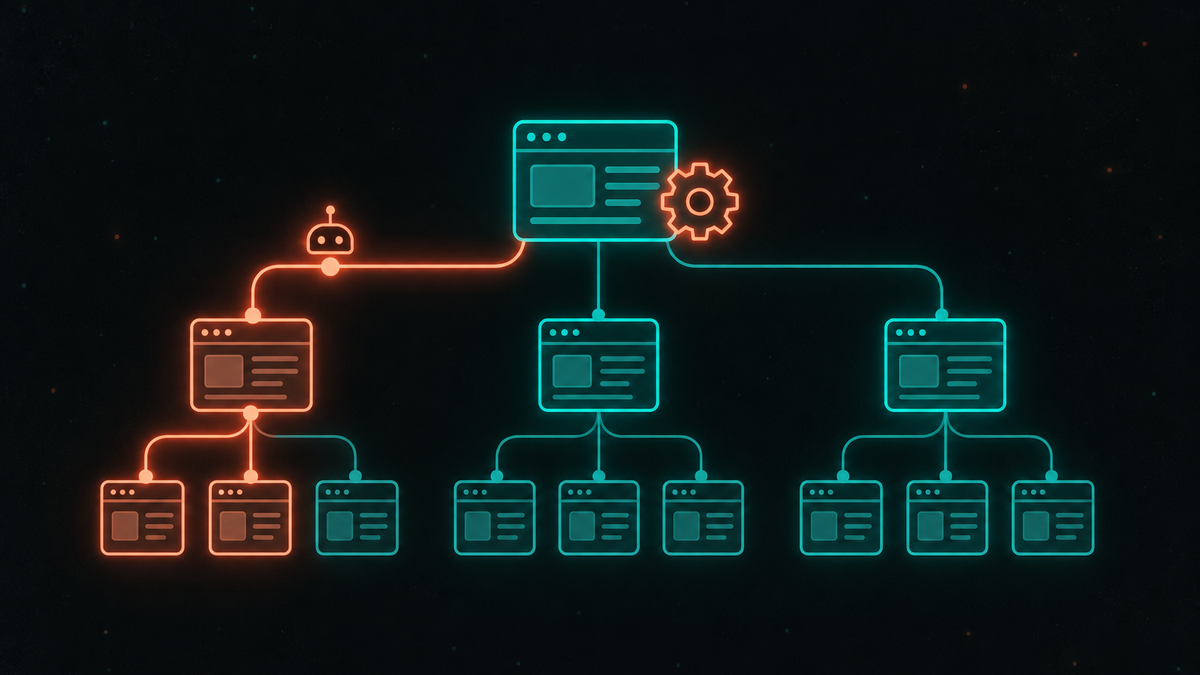
llms.txt Validator: How to Check Your llms.txt File in Five Steps
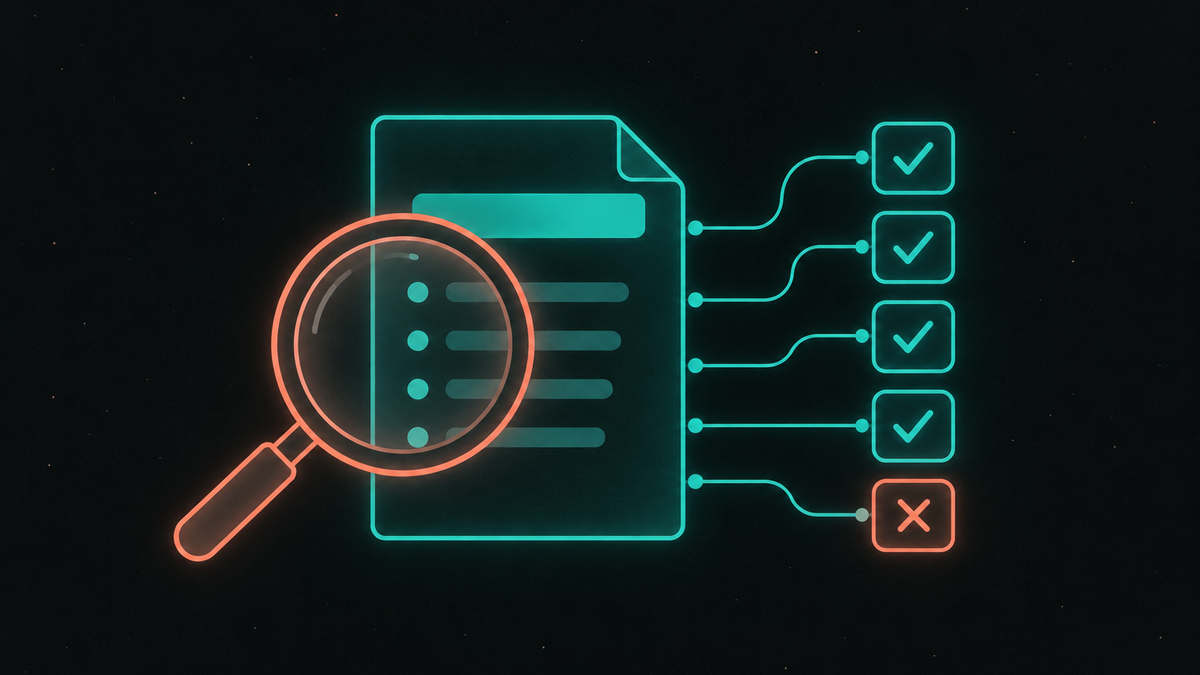
Having an llms.txt file and having a working one are two different things. When Common Crawl analyzed 584,107 llms.txt files from its July 2026 crawl, it found that 40.36% of the responses came back as text/html - mostly single-page apps whose catch-all route answers every URL with the app's HTML. 22.56% of the files contained no links at all, and 49.90% carried "the complete shape the specification asks for".
We made one of these mistakes ourselves. Our own /llms.txt once listed its pages as Label: url lines instead of markdown links, and it failed the llms.txt check in our own audit until we fixed it. The file looked fine to a person reading it. It was not what the spec defines.
This guide walks through five checks that catch the common errors, in the order an agent hits them, with a command for each. It assumes you have already decided to publish the file; whether you should is covered in our evidence review of llms.txt.
Key Takeaways
- The spec requires one thing. In llmstxt.org spec v2 (August 2026), an H1 with the site or project name is the only required section, and it comes first.
- HTML at /llms.txt is the most common failure. 40.36% of responses in Common Crawl's July 2026 crawl were
text/html, which agents receive instead of a text file. - A status code check is not enough. A catch-all route answers
/llms.txtwith200, so a check that only reads the status passes it. - Links have to be markdown links. The spec defines list items as
[name](url)with an optional: notes; 22.56% of files in the crawl had no links. - A 404 is a valid answer. Chrome's Lighthouse marks a missing llms.txt as "Not Applicable"; only a server error is flagged.
What Do the Checks Test Against?
The checks below test a file against llmstxt.org spec v2: an H1 first, then an optional blockquote summary and H2 sections whose list items are markdown links. Writing the file - section order, a full example, and markdown versions of pages - is covered in How to Create an llms.txt File. This guide starts where that one ends: the file is published, and you want to know whether an agent can use it.
Action: have the live URL of your file ready; every check below runs against what the server returns, not the file in your repository.
Check 1: Does /llms.txt Return a 200?
Start with the status code:
curl -s -o /dev/null -w "%{http_code}\n" https://your-domain.com/llms.txt
A 404 means there is no file. That is a valid choice: Chrome's Lighthouse llms.txt audit marks a 404 as "Not Applicable" and flags the page "if a server error occurs". A 5xx is the status that needs fixing.
Action: if you publish a file, make sure the URL returns 200; if you do not, a 404 is fine.
Check 2: Is It Plain Text, Not Your HTML Page?
This is the check most files fail, and a 200 does not catch it. Look at the content type and the first bytes:
curl -sI https://your-domain.com/llms.txt | grep -i content-type
curl -s https://your-domain.com/llms.txt | head -c 200
The content type should be text/plain - llmstxt.org serves its own file that way - and the body should start with #. If it starts with <!DOCTYPE html> or <html, your server is answering with the app shell: the catch-all pattern behind most of the HTML responses in Common Crawl's data. The fix is to serve the file as a static asset ahead of the catch-all route, or to return 404 until you have one.
Action: run both commands; if the body starts with <, fix the route before anything else, because every later check is meaningless on an HTML page.
Check 3: Is the H1 the First Line?
The spec puts the H1 first, after an optional BOM. Two errors are common: a file that starts with a paragraph or comment and has the H1 further down, and a file whose title uses ##, which is an H2.
curl -s https://your-domain.com/llms.txt | sed -n '/./{p;q;}'
The command prints the first non-blank line. It should be # followed by your site or project name - one hash and a space.
Action: make the H1 the first non-blank line and name the site, not the page.
Check 4: Are There a Summary and Markdown Links?
These two parts are optional in the spec, but a file without them gives an agent a name and nothing to read. The summary is a blockquote line starting with >. The links must be markdown links:
| Line in the file | Valid list item? |
|---|---|
- [Pricing](https://acme.example/pricing): plans and limits |
Yes |
- [Pricing](https://acme.example/pricing) |
Yes (the note is optional) |
- Pricing: https://acme.example/pricing |
No - a label and a bare URL |
- https://acme.example/pricing |
No - no link name |
The third row is the format our own file used. It reads naturally, which is why it slips through review. To list what an agent will parse as links:
curl -s https://your-domain.com/llms.txt | grep -oE '\[[^]]+\]\([^)]+\)'
Action: if the command prints nothing, rewrite the list items as [name](url) and add a one-line > summary under the H1.
Check 5: Do the Links Point Where They Should?
A file that passes the format checks can still send agents to the wrong pages. For each link, confirm that it returns 200, is not noindex, and does not declare a canonical URL elsewhere. Where you can, link to a clean markdown version of the page - the spec suggests the same URL with .md appended or swapped in - rather than HTML wrapped in navigation. Keep the list curated: the spec describes a file that "stays small enough to fit in context", not a sitemap in markdown.
Action: spot-check the first ten links, and regenerate the file whenever you move or remove pages.
Does a Valid File Bring More AI Traffic?
No. Validation makes the file usable for the agents that request it; it does not make more of them request it. The log data on how rarely AI crawlers fetch /llms.txt, and Google's statement that its AI features do not use the file, are in our evidence review of llms.txt.
Action: validate the file if you publish one, and judge its value by whether the agents your users work with read it, not by search rankings.
An llms.txt Validation Checklist
/llms.txtreturns200, or404if you chose not to publish one - never5xx.- The response is
text/plain, and the body does not start with<. - The first non-blank line is
# Site name. - A
>summary follows, and list items use[name](url): note. - Links resolve, are indexable and canonical, and the list stays short.
Our free llms.txt generator drafts a file in this format from your sitemap, and the llms.txt File check in our audit runs checks 2 to 4: it reports an HTML page served at /llms.txt, a missing or misplaced H1, and a missing summary or links. To see the result for your site, run a free audit.